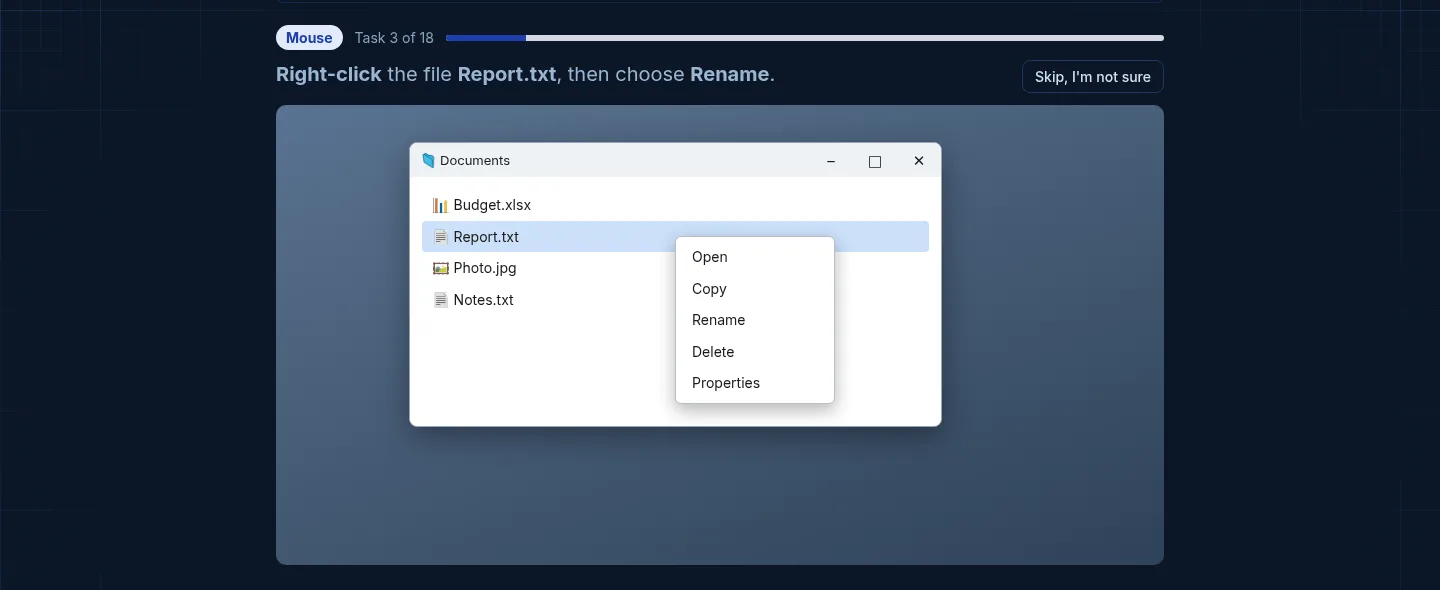
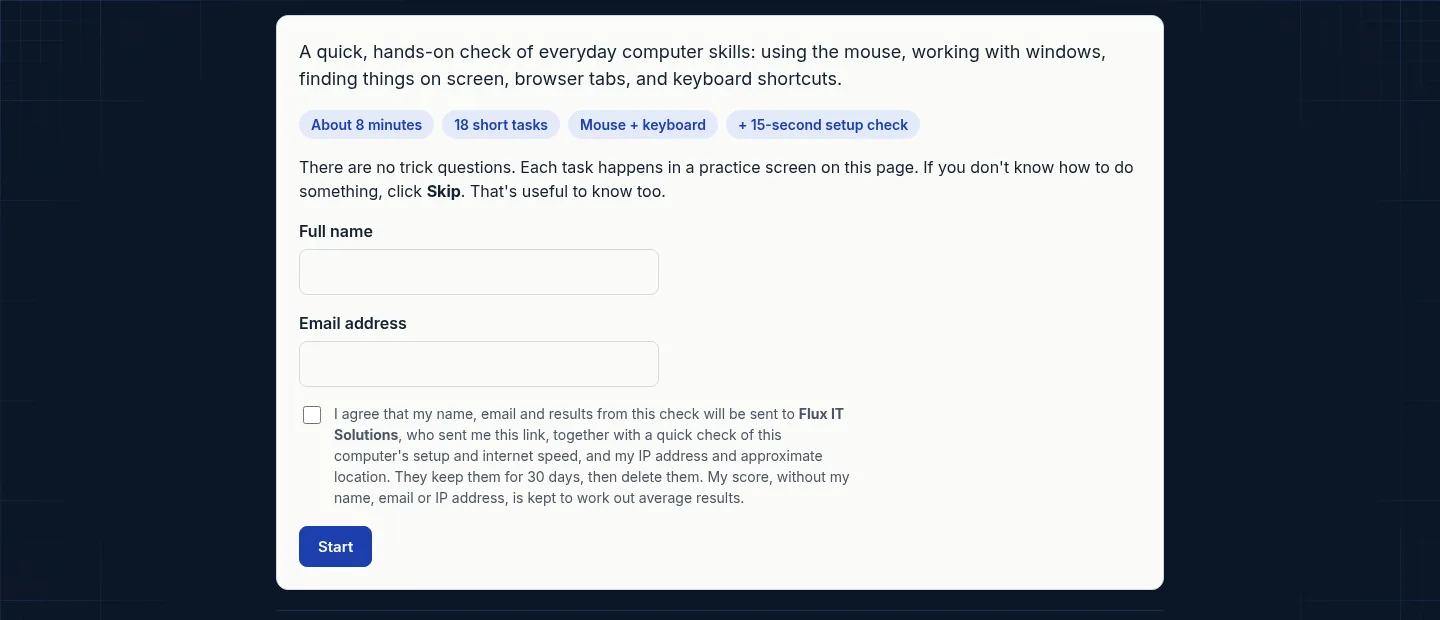
Baseline went live on November 9 at baseline.fluxitsolutions.net. It is a short, hands-on check of everyday computer skills for new hires, built from years of onboarding people into jobs that live on a computer.
The gap it fills
Training teams lose days teaching basics nobody tested for: right-clicking, switching tabs, copying and pasting, getting a window back after minimizing it. A quiz cannot catch that, because people can describe a skill they cannot do. Baseline asks them to do it.
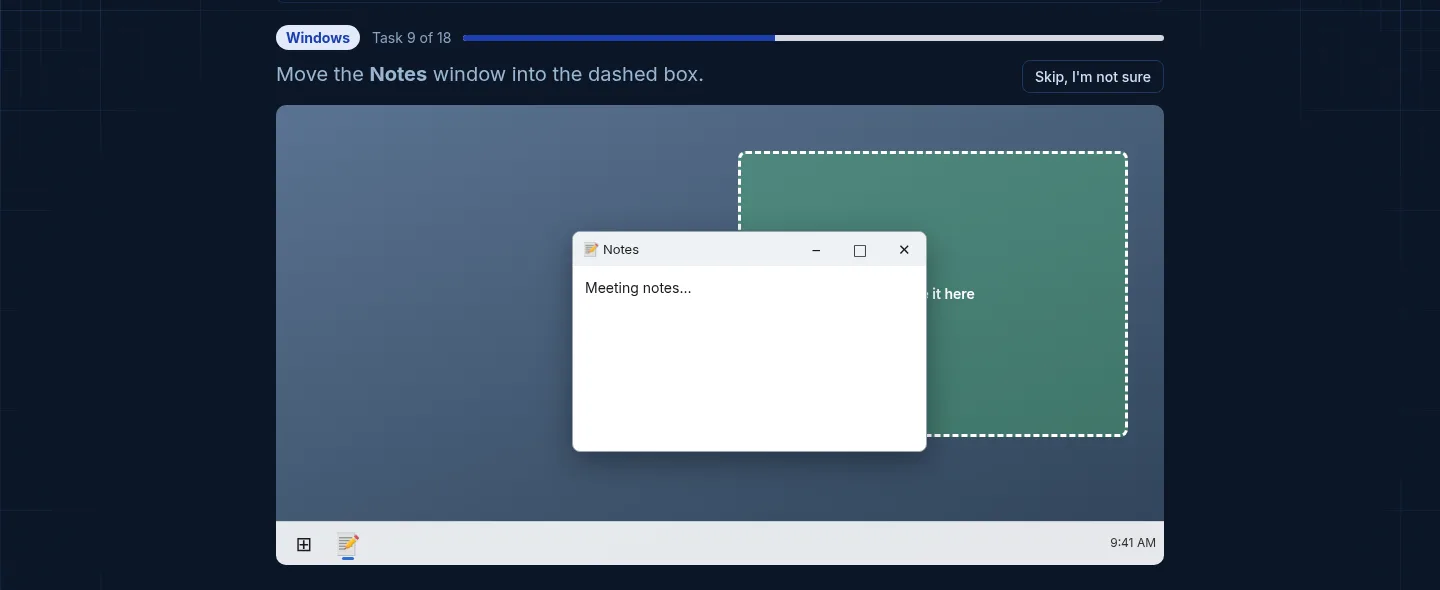
A desktop inside the browser
The candidate works in a simulated desktop and browser for about ten minutes. There are 18 tasks: click, double-click, right-click a menu, scroll, minimize and drag a window, open a new tab, switch tabs, copy and paste, select all, undo, and type an email address.
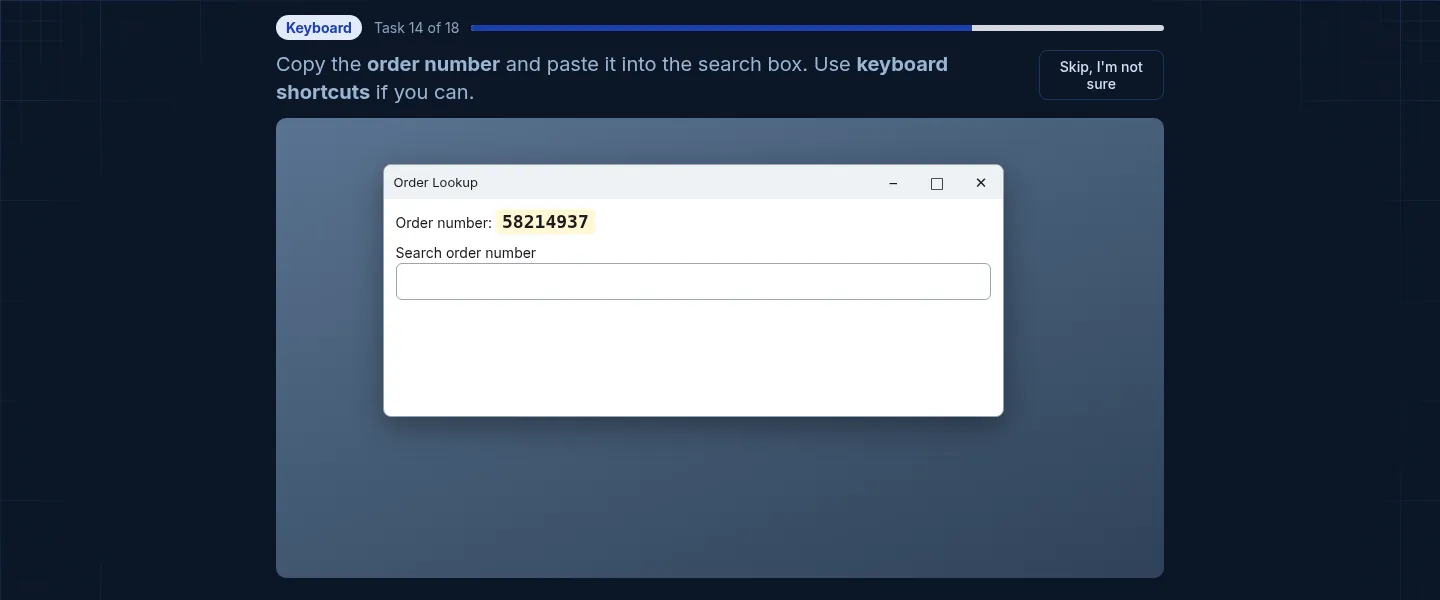
It records how each task got done, not only whether it got done. Someone who uses keyboard shortcuts will ramp up differently from someone who finds everything by right-clicking, and a trainer can plan for both.
Links that only work once
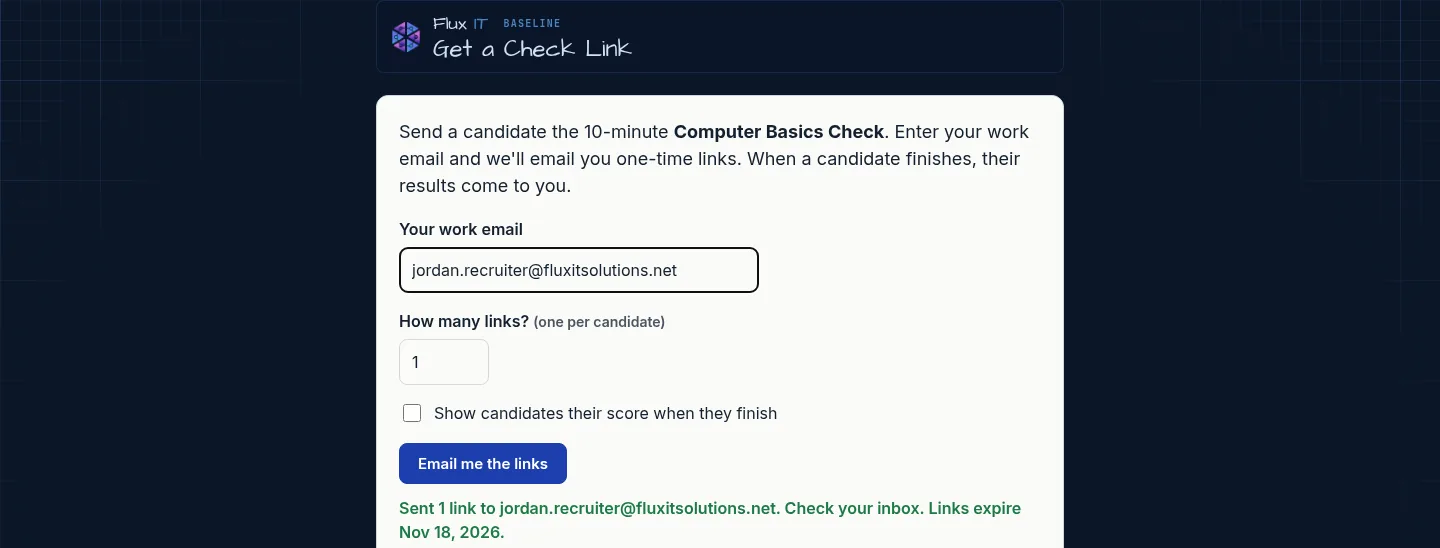
A recruiter enters their work email on the request page. Baseline works out which company they belong to from the email address and sends one-time invite links to that inbox. The links never show on screen, they expire in seven days, and each one works once.
- RECRUITERRequests links by work email
- CANDIDATEAgrees, takes the check
- SERVERScores the raw results
- REPORTEmailed with a spreadsheet
The browser never decides the score
The page sends back raw results for each task, and our server does the scoring. A candidate who opens the browser's developer tools cannot hand themselves a perfect score. The recruiter gets a report by email plus a spreadsheet they can drop into their own records, branded for their company.
Checking the workstation, too
Remote hires bring their own setup. A separate section checks internet speed and rough location and flags things worth a conversation, like several candidates on one connection. It has its own minimums and never touches the skills score. Our first speed test pushed test data through the same server that scores the check, and that capped how big a test could be. We moved it to a content network with four parallel streams, and now it measures real connections.
What this means for your business
If you hire people who will work on a computer, you can know what they can do before day one instead of finding out in week two. Baseline is ready for teams now. Ask us about setting it up with your branding.